
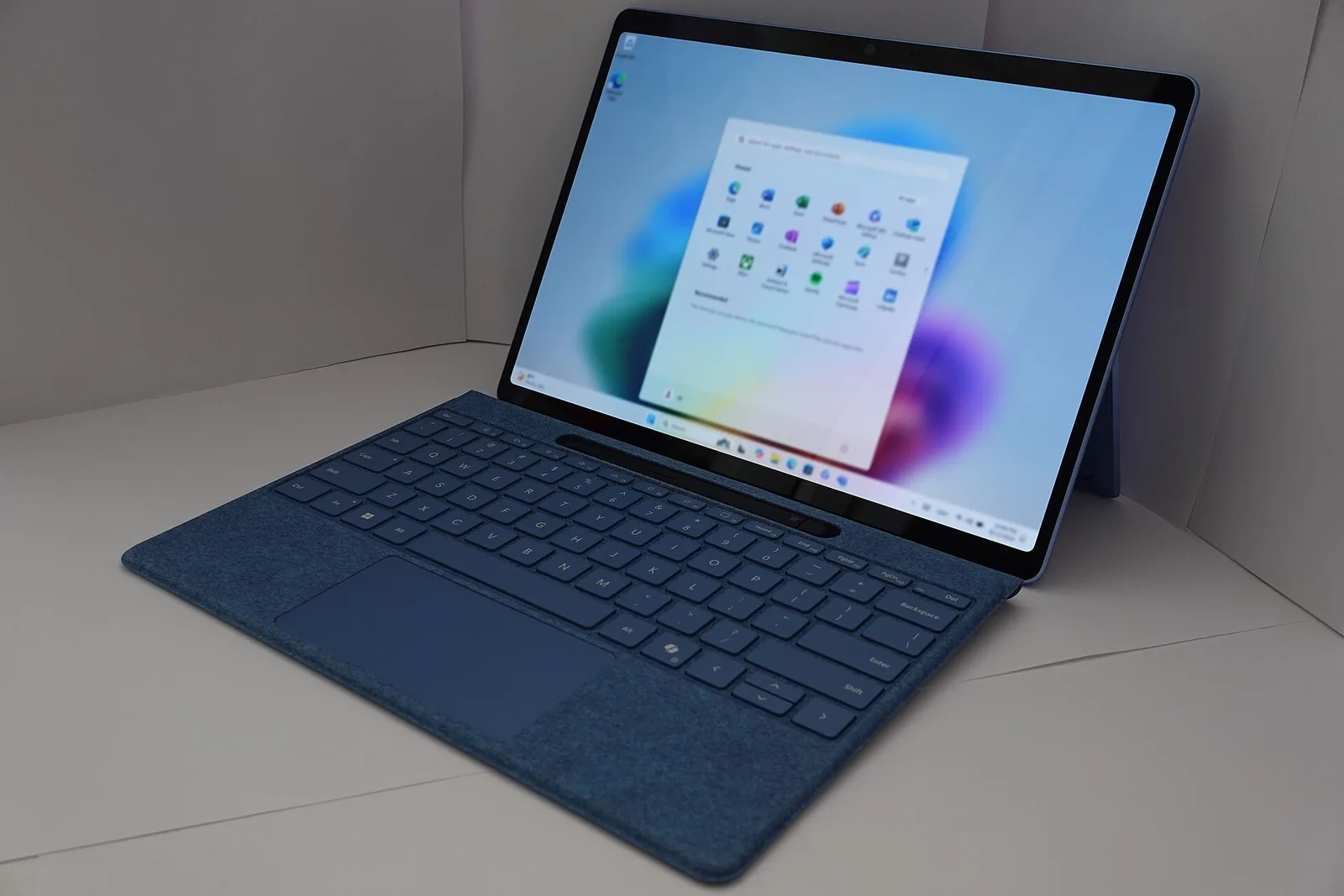
Image: KK IN HK / CC BY-SA 4.0 (Wikimedia Commons)

In short: If you still use Windows 10, the Extended Security Updates (ESU) programme now protects you longer than planned. Microsoft moved the end date for consumers from October 2026 to 12 October 2027. If you are already enrolled, you don't need to do anything. In the European Economic Area (EEA), ESU is free with a Microsoft account; otherwise it costs a one-time $30 (about €30). ESU only delivers critical and important security fixes, not new features.
What changed
Regular Windows 10 support ended on 14 October 2025. According to heise, Microsoft quietly updated its support pages in June 2026, at first mentioning the extension only in a footnote. Microsoft's official ESU page now lists 12 October 2027 as the end of the programme.
Requirements
Your PC needs Windows 10 version 22H2 (Home, Pro, Pro Education or Workstations), the latest updates, the KB5126256 preparation package, an administrator account and a Microsoft account that is not a child account. Kiosk devices and PCs joined to Active Directory, Microsoft Entra or MDM cannot use the consumer programme.

Costs and enrolment
In the EEA, enrolment is free if you stay signed in with the same Microsoft account; if you don't sign in for up to 60 days, updates stop and you must re-enrol. With a local account you pay $30 once. Businesses pay about €60, €120 and €240 per PC for years one to three, according to heise. One licence covers up to 10 devices.
To enrol, open Settings > Update & Security > Windows Update, install all updates and select Enrol now. On more PCs, choose Add device with the same account.
Without ESU
Windows 10 keeps running without ESU, but it has received no security updates since October 2025, so every newly found flaw stays open. Microsoft notes that you can enrol at any time until the programme ends, and your PC then receives all critical and important updates released since end of support. Until you switch, keep Windows Update on, keep your browser updated, leave Microsoft Defender active, be careful with attachments and back up important files regularly.
What comes next
ESU is not a permanent solution. You can still upgrade to Windows 11 if your PC meets the requirements, or look at new devices in our Windows laptop comparison. Apple fans can read about macOS 27. More in the Windows section.

Sources