
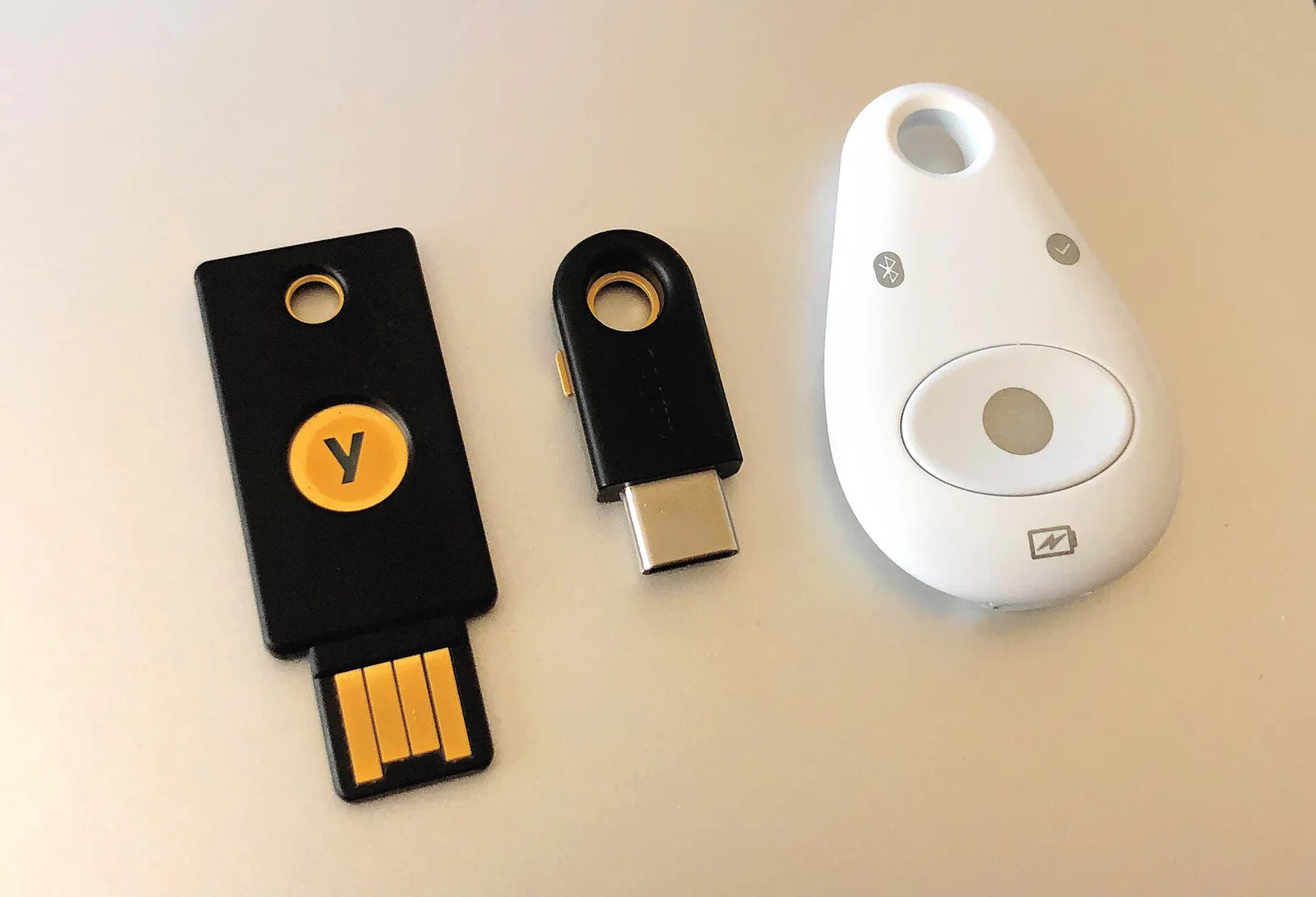
Image: Tony Webster from Minneapolis, Minnesota, United States / CC BY 2.0 (Wikimedia Commons)

In short: Passkeys are steadily replacing passwords. The FIDO Alliance estimates that 7 billion passkeys are now in use worldwide. According to its Passkey Index 2026, more than a third of successful sign-ins already use a passkey, and 90 percent of active accounts are eligible, but only 42 percent of those have one enrolled. At the same time, 1Password version 8.12.44 adds passkeys based on the quantum-safe ML-DSA algorithm. Your existing passkeys remain safe.
How passkeys work
A passkey replaces your username and password. You confirm sign-in with your fingerprint, face or PIN. The private key stays on your device or in your password manager, while the website only stores a public key. There is no secret on the server to steal, and a passkey only works on the real website, which makes phishing much harder.
The new FIDO figures
| Metric | Value |
|---|---|
| Passkeys worldwide (estimate) | 7 billion |
| Share of successful sign-ins | more than one third |
| Active accounts eligible | 90 percent |
| Eligible accounts with a passkey | 42 percent |
| Surveyed organisations planning passwordless accounts | 9 of 13 |
Data from the FIDO Alliance, reported by Biometric Update on 20 October 2026.
FIDO now wants passkeys to become the default and weaker fallbacks such as passwords and SMS codes to disappear. Its new Passkey Rubric warns against common mistakes such as allowing only one passkey per account.
Quantum-safe passkeys from 1Password
A future quantum computer could break today's elliptic-curve signatures. According to 1Password, estimates of the qubits needed have dropped from about 13 million in 2023 to about 26,000, while the largest machine has about 6,100. NIST standardised ML-DSA in 2024, and RFC 9964 defined its encoding for passkeys in May 2026. 1Password only creates ML-DSA passkeys for sites that support them; creating them is not yet possible on iOS or via the native macOS autofill extension.
How to set up passkeys
Start with your email, Apple, Google or Microsoft account and online banking. Look for "passkey" in the security settings, save it in your device's keychain or a password manager, and add a second passkey on another device or a hardware key. Where passkeys are not available, use long unique passwords and app-based two-factor authentication. Read our phishing guide and browse the passwords category.
Who should do what
Everyone should add passkeys to their most important accounts, because this protects against phishing and data leaks. If you use several systems, a cross-platform password manager such as 1Password or Bitwarden syncs passkeys between Windows, Mac, Android and iPhone. Cautious users can add a hardware security key as a backup. 1Password users should update to version 8.12.44 or later to be ready for ML-DSA.
Sources