
IT Security 2026: The Situation According to the BSI and How to Protect Yourself
Image: Richard Nowell / CC BY-SA 4.0 (Wikimedia Commons)

In short: According to Germany's Federal Office for Information Security (BSI), the IT security situation in Germany remains tense. Attack surfaces are growing with digitalisation and state-backed attacks are increasing. Around 950 ransomware attacks were reported to the federal police (BKA). At the same time, fewer consumers know and use protective measures. Here is an overview of the situation and our current guides to passkeys, VPNs, antivirus, phishing and privacy.
The situation according to the BSI
The BSI report 2025 covers 1 July 2024 to 30 June 2025 and rates five areas:
| Area | BSI finding |
|---|---|
| Threats | Stabilised at a high level; two formerly very active groups almost stopped |
| Attack surface | Growing with digitalisation, especially on the web |
| Threat situation | More exploited vulnerabilities and data leaks, about 950 reported ransomware attacks |
| Impact | More data leaks and higher ransoms per case |
| Resilience | Measures exist but are less known and less used |
Data from the BSI report 2025.

The BSI credits international law enforcement for the stabilisation, while APT activity linked to geopolitical conflicts is rising. For the second year in a row, awareness of protective measures among consumers has fallen.
Our current guides
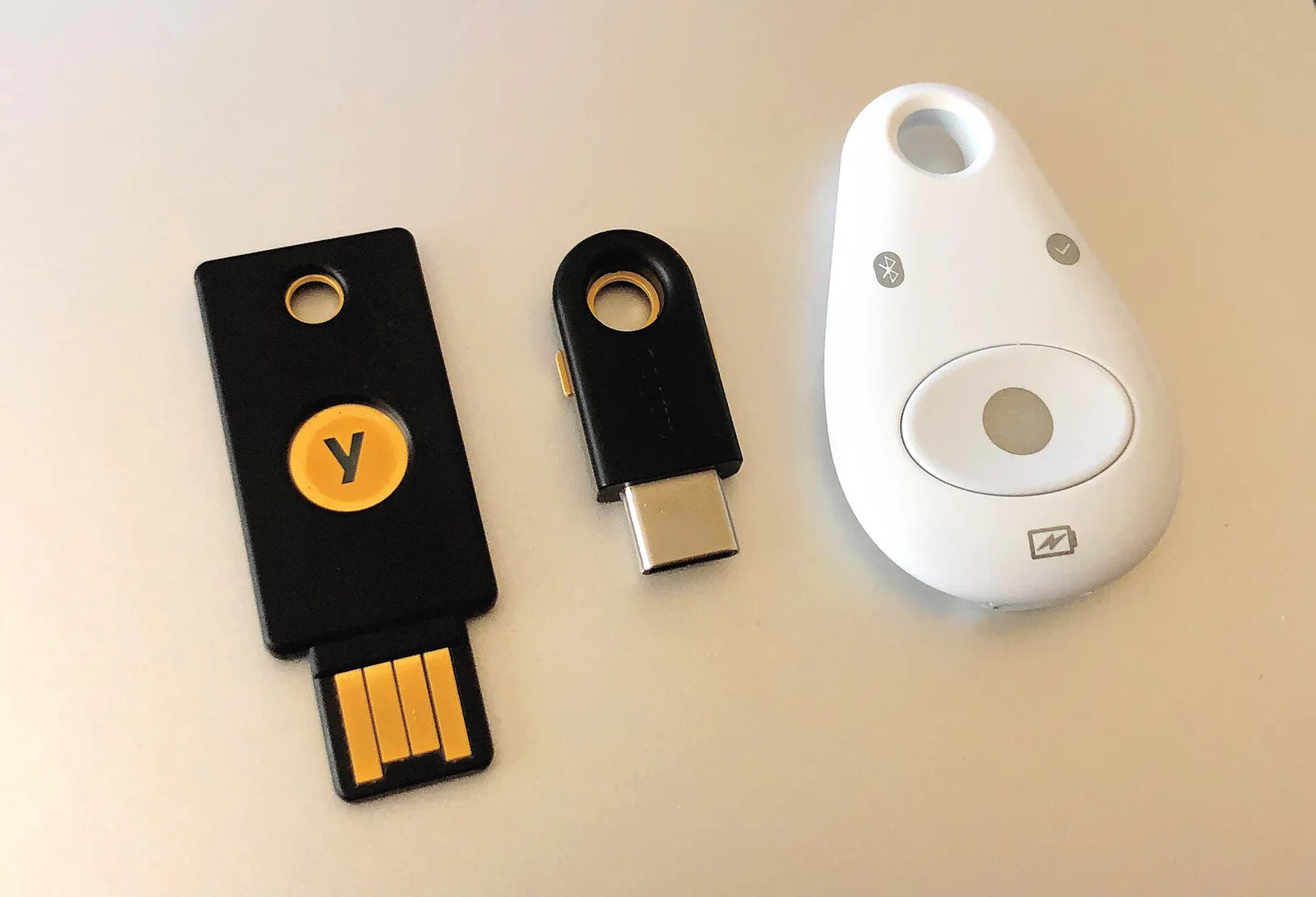
- Passkeys 2026: 7 billion passkeys and the first quantum-safe keys.
- Phishing in October 2026: fake emails from banks, Amazon and ELSTER.
- Antivirus test 2026: is Microsoft Defender enough?
- Proton VPN roadmap: new apps, kill switch and pause.
- EU chat control 2026: what it means for your private messages.
The most important steps
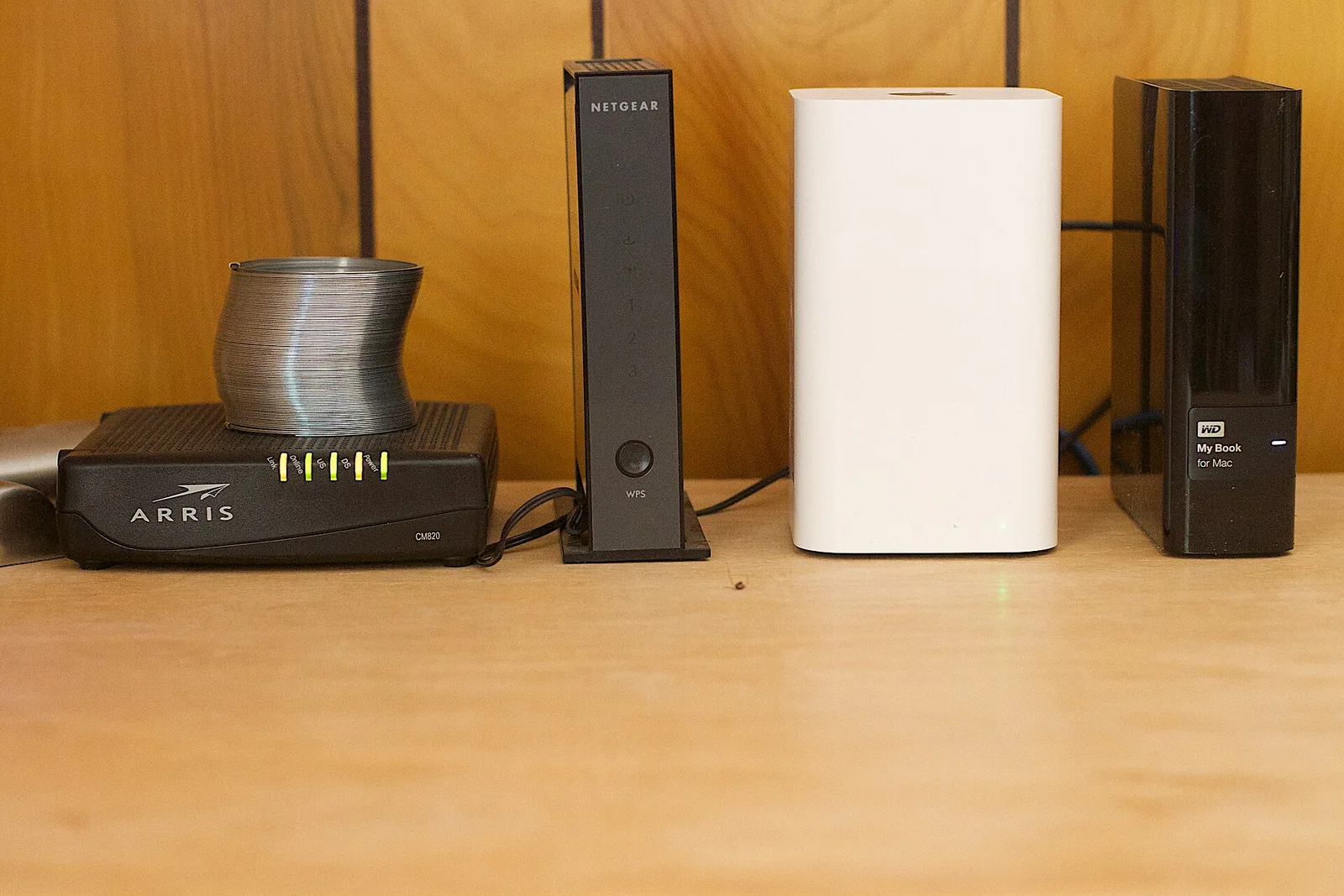
Install updates promptly, such as the October Windows patch. Use passkeys or unique passwords from a password manager and turn on two-factor authentication. Do not click links in unexpected emails. Make regular backups to an external drive that is not always connected, keep your antivirus active and change default passwords on routers and smart home devices. Beginners should start with updates, passkeys and a backup. All articles are in our security category.
What to do if something goes wrong
If an account has been hacked or you entered data on a phishing site, change the password immediately and sign out all devices. Contact your bank if you entered card or banking details and have access blocked. Turn on two-factor authentication, run a full virus scan and report fraud to the police. The faster you act, the smaller the damage usually is.
Sources